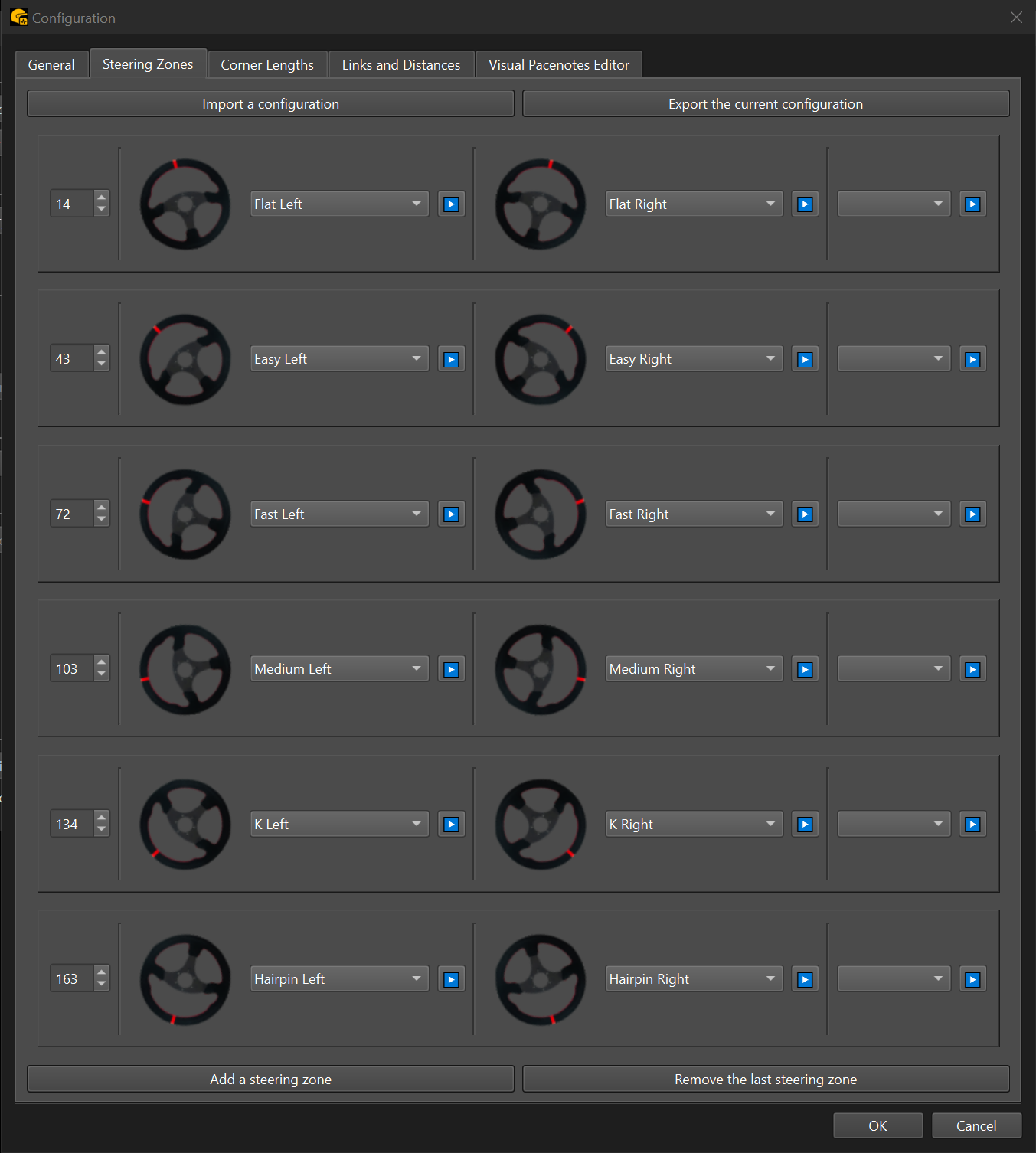
Steering zones are used to categorize corners based on the amount of steering input. As you drive through a corner, the system records the maximum steering angle and announces the pacenote assigned to the matching range.
⚙️ Configuration
Click the Add a steering zone button to define your first angle range. This sets up the initial zone from the neutral (0°) position up to your chosen threshold (for example: 14°). You can assign left and right pacenotes for each zone.
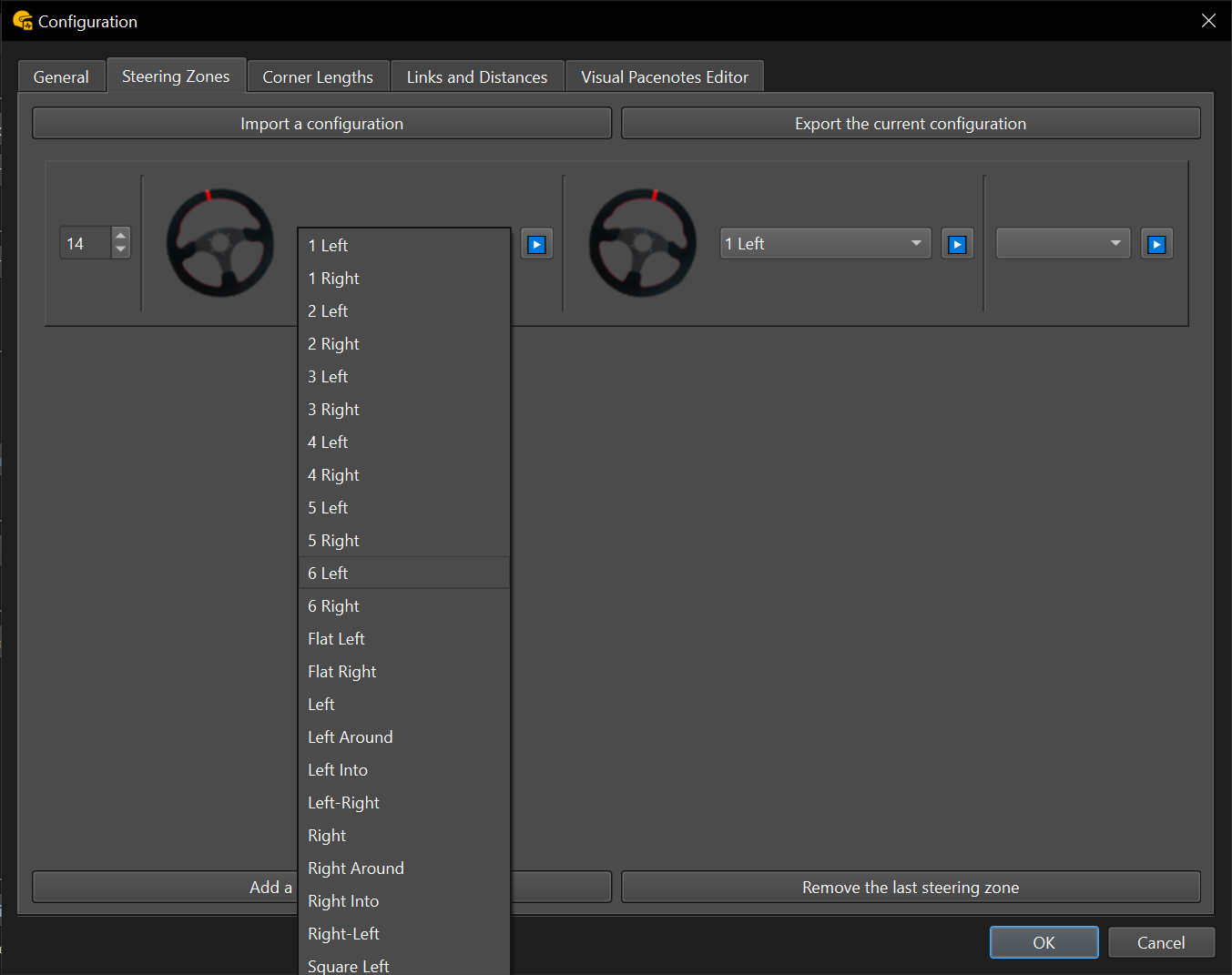
You can then add more zones. For example, if you define a new angle at 43°, that becomes the end of the next zone, starting from the previous limit (e.g., 14°).
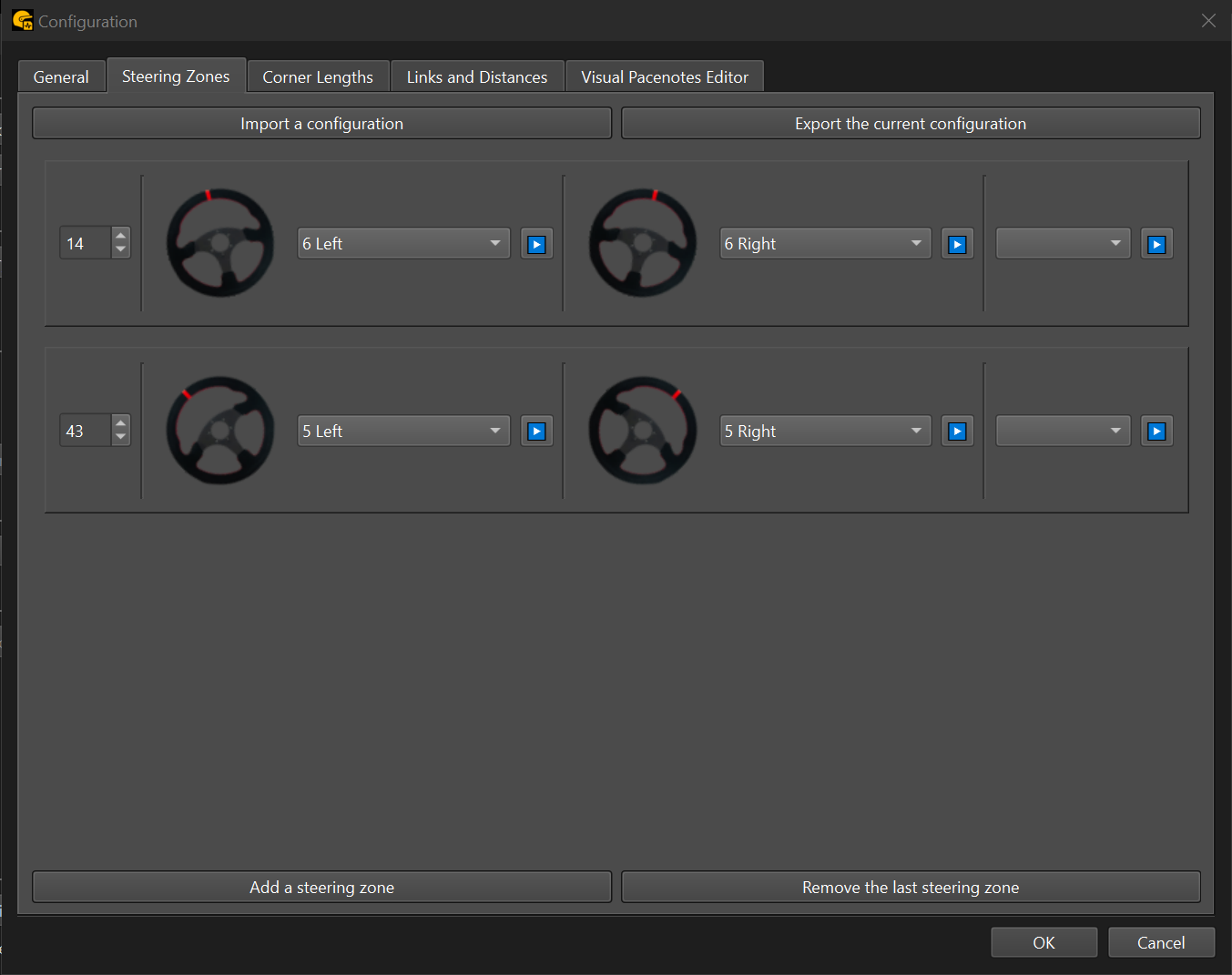
You can also define modifier calls (e.g., plus or minus) to add nuance — useful if your co-driver doesn’t natively support them. For instance, the second zone could be divided into three finer ones using modifiers.
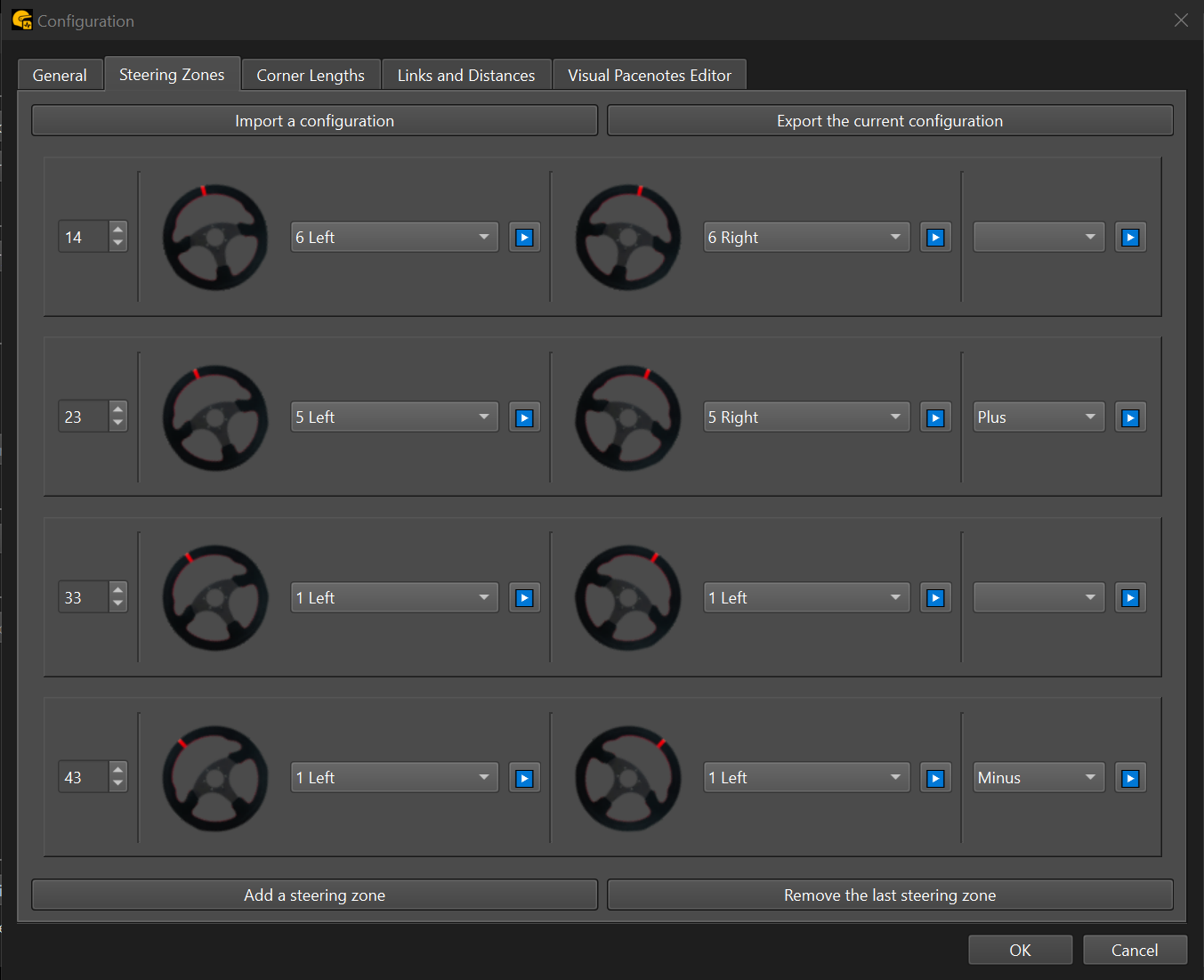
✅ Recommendation: Define your main zones (e.g., 6 to 1) up to around 160–180 degrees.
Any steering input beyond the final zone will trigger the last assigned pacenote. To handle this, add a catch-all zone at the end — usually labeled as a hairpin.
You can review and fine-tune these pacenotes later in RBR Roadbook, adjusting for square corners, hairpins, or acute hairpins.
🔁 Import & export
Use the import and export buttons in the interface to manage your configurations.
⚠️ Note:
- You can import any configuration created with this tool.
- If it was made for a different co-driver system, the zones will import correctly, but pacenotes may need reassignment.
📂 Sample configurations
Below are two ready-to-use zone files based on my 6–1 SimHub steering overlay (link coming soon). These can be imported directly into the app:
- The first is compatible with descriptive and RBR (legacy) co-driver system.
- The second uses a numeric system.
steering_zones_Descriptive_Rbr.csv