Once you’re satisfied with the generated pacenotes, you can export the file directly from the main interface.
📂 File format and compatibility
The exported file is fully compatible with:
- RBR Pacenote Plugin — for in-game use
- RBR Roadbook — for review and post-processing
You can use the file as-is, or (recommended) open it in RBR Roadbook to add contextual details such as:
- Tightening radius corners
(e.g., a “4 right tightens to 2 right” is currently marked only as a “2 right”) - Obstacles and hazards
(e.g., fords, bridges, don’t cut, rocks, narrow sections) - Stage profile notes
(e.g., over crest, bump, jump, dip, surface changes)
This final step adds information that can’t be derived from telemetry but improves clarity and accuracy during the run.
✅ Final step: select your file in RSF
After generating and editing your pacenotes, make sure to select the correct file in RSF Launcher for the stage you completed your recce on.
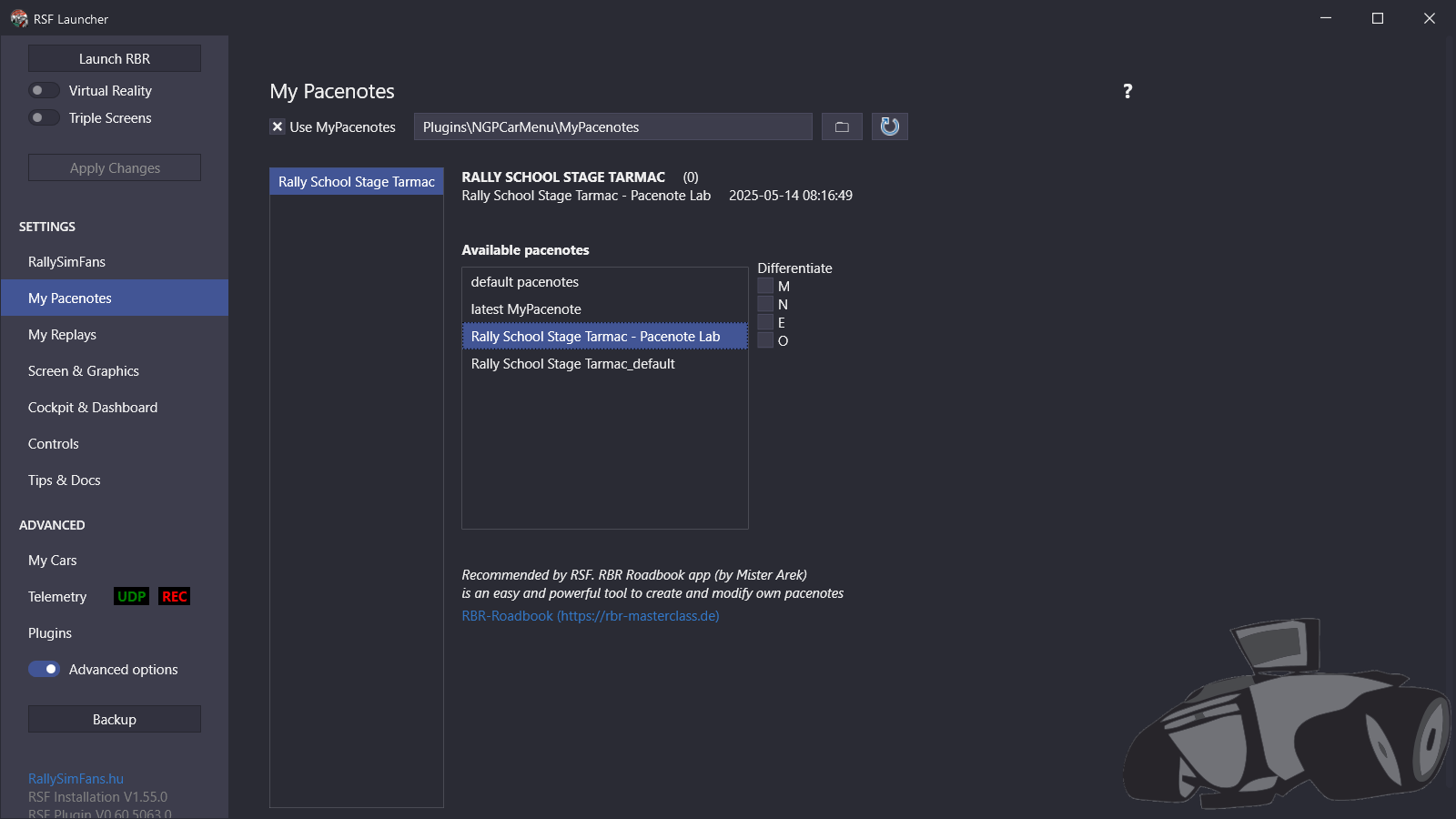
📌 Export requirements
- Always export the file into the correct stage folder.
For BTB stages, this is especially important — stage tags are added during export and cannot be reassigned later.
PREVIOUSVisual Pacenotes Editor